Should I Use AI Images on My Website? A Visual Guide
See what to photograph, what AI can illustrate and how to make a small image budget work harder.
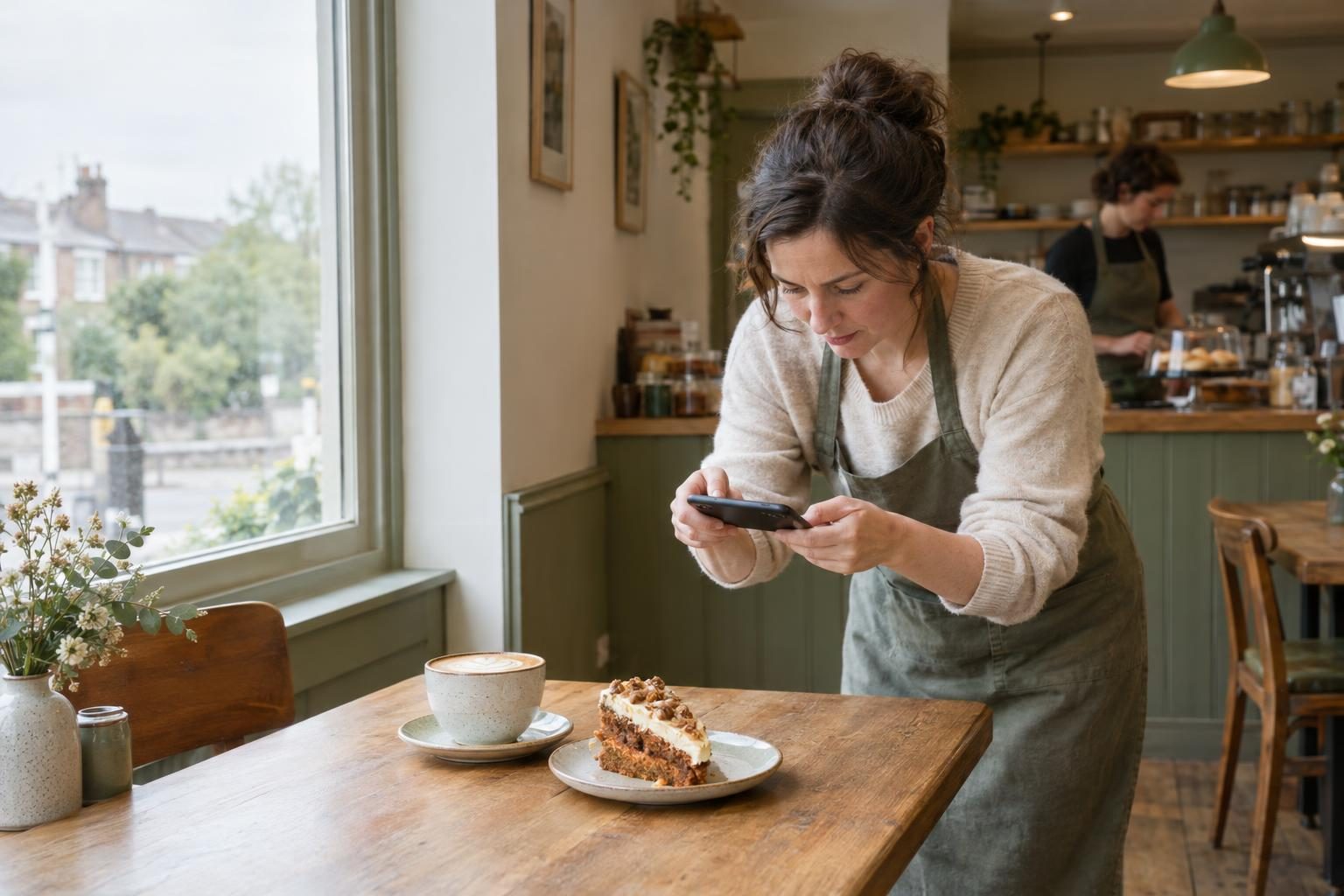
You need pictures for your new website. Your camera roll contains three wonky shopfronts, yesterday’s lunch and a surprisingly good photo of the dog. AI looks tempting. But should you use AI images on your website when customers want to see your food, your salon or your finished work? The useful answer isn’t simply yes or no. Start with what each picture needs to do, then choose the right mix of real photography, stock and illustration without blowing the budget.
Does this picture prove something or simply set the mood?
Yes, use AI images on your website for suitable supporting illustrations. Use real photographs for anything presented as your actual business or offer. An invented cappuccino cannot prove what you serve for £3.50.
Our Proof, Mood or Remove framework gives each picture a job:
- Proof: helps someone choose or recognise your business.
- Mood: explains an idea or supports your visual style.
- Remove: adds neither useful information nor worthwhile atmosphere. It’s just taking up space.
This distinction draws on Nielsen Norman Group’s eye-tracking research: people paid attention to information-carrying images, while often ignoring decorative ones. First published in 2010, the page records a review on 13 August 2026—not a new 2026 experiment.
| Picture | Job and choice |
|---|---|
| Staff portraits | Proof: your actual team |
| Premises | Proof: your real entrance or interior |
| Menu items | Proof: food you actually serve |
| Salon results | Proof: your genuine work |
| Trade projects | Proof: jobs you completed |
| Shop products | Proof: the exact items sold |
| Abstract article illustrations | Mood: AI or stock can fit |
Stock photos vs original photos is primarily about what the image claims to show. A stock illustration can explain an idea; a stock salon cannot prove yours. Not every stock photograph gets ignored, and not every real photograph works.
Photographs show what customers can expect; reviews and testimonials add evidence from people who have experienced it.
See the same café website with three different image choices
Imagine one independent café homepage: cream background, dark-green lettering, simple sans-serif type. The headline stays “Coffee, cake and a proper lunch”, with identical “View menu” and “Find us” buttons.
These text-only design examples compare image choices, not conversion-test results or a client case study. Each layout has the same wide hero, owner portrait, food close-up and interior-detail slots.
| Generic stock | AI-generated imagery | Real business photographs |
|---|---|---|
| Hero: an inviting café counter. | Hero: a convincing synthetic café counter. | Hero: the café’s own counter. |
| Portrait: a smiling café worker. | Portrait: an invented café owner. | Portrait: the person customers will meet. |
| Food: professionally photographed toasties. | Food: freshly generated toasties. | Food: a toastie actually served here. |
| Detail: attractive window seating. | Detail: imagined window seating. | Detail: the café’s recognisable window table. |
| Mobile crop: counter centred; wider surroundings disappear. | Mobile crop: generated counter centred; invented signage excluded. | Mobile crop: actual counter centred; distinctive tiled wall retained. |
Keep sharpness, lighting and crop quality comparable. This is AI images vs real photos, not “lovely photography versus deliberately dreadful alternatives”. Desktop versions sit side by side; mobile versions stack.
- Stock: establishes a mood, but who runs this café? Non-specific supporting content can still benefit from stock.
- AI: suggests an atmosphere, but do those premises and dishes exist?
- Real: a coordinated set from one consenting café connects people, space and food. Prices, opening hours and accessibility still need words.
For a fair photographic comparison, all three treatments must follow that same café’s brief. The real panel must use its photographs, never generated substitutes. Complete layouts in our web design portfolio show how imagery works alongside navigation and content.
Get your essential website photographs in one phone session
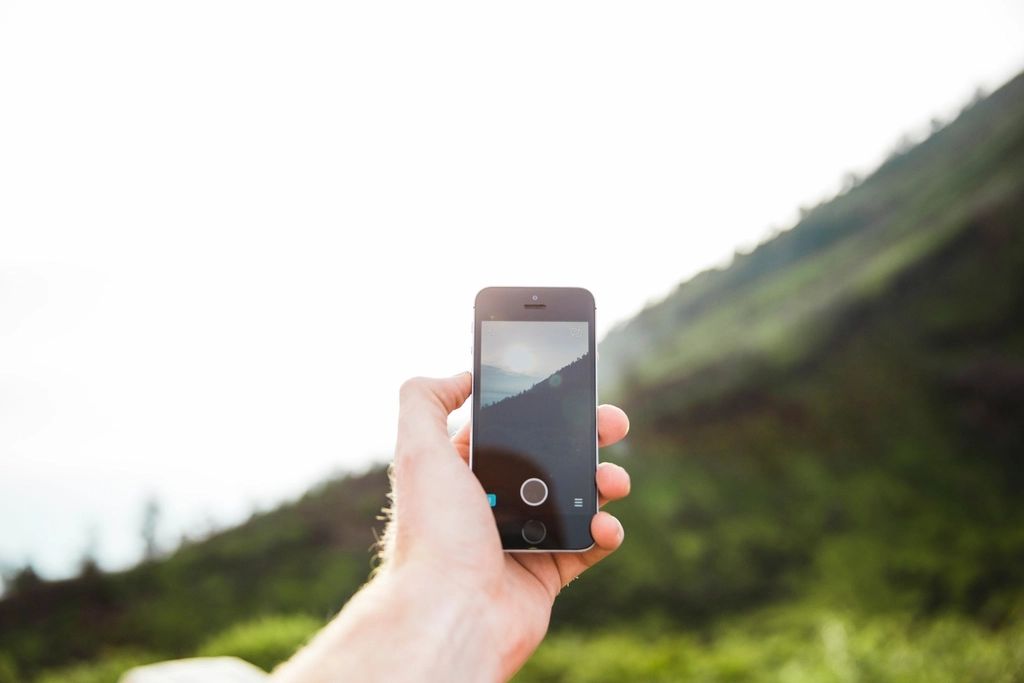
Block out 45 minutes for small business website photography: a manageable plan, not a stopwatch challenge. Clean your phone lens and work near a window where possible.
- ☐ Finding you: exterior and entrance, recognisable from the street.
- ☐ About page: owner and team, looking like themselves.
- ☐ Homepage: a wide view of your working space.
- ☐ Service pages: hands carrying out the actual service.
- ☐ Buying decisions: three representative products or completed jobs.
- ☐ Quality: one close-up showing materials, finish or care.
- ☐ Headline background: one wider scene with spare space for text.
Take landscape and portrait versions of key shots. Keep the original files, rather than messaging-app copies that may lose detail.
Swap in what your customers need to see
- Café: your signature dish in its actual serving size, plus the counter and seating.
- Salon: the stylist, chair area and genuine finished hair, with the client’s agreement.
- Trade business: the actual tradesperson, the process and before-and-after views from matching angles.
- Shop: frontage, display and product detail.
Prefer staying off-camera? Choose people-free process photographs rather than inventing staff with AI. Your tools and work can tell the story.
Ask permission before photographing identifiable customers or private client spaces. Remove visible addresses, number plates and paperwork from the frame.
Image requirements can be agreed during Discovery within our web design process, so your phone session has a clear shopping list.
Make everyday photographs feel like one designed set
Clean your phone lens first: a quick wipe beats editing out yesterday’s fingerprints. Use soft window light or bright overcast daylight. Switch off orange ceiling lights when blue daylight is coming through the window; mixed lighting makes colours awkward.
Give your small business website photography a simple recipe: consistent light, two or three recurring background colours and similar editing warmth. Keep edits restrained: straighten, adjust brightness gently and leave heavy filters alone.
- Café: use the pale tabletop and your actual crockery throughout. Familiar details do more than matching everything perfectly.
- Salon: keep lighting consistent, without filters that change hair colour. Customers need to see the shade you actually created.
- Trades: pair wide context shots with finish details. Take before-and-after pictures from the same position.
For the real café set from our comparison, mark three crop boundaries:
- Wide hero: leave quiet space on the left for a heading.
- Square food crop: keep the plate recognisable, not an unexplained corner of toast.
- Vertical owner portrait: preserve the hairstyle and any hands in view.
Preview those boundaries on mobile; keep completed work intelligible too. If readable overlay text would obscure the subject, place it beside the image. Keep headings as live website text, never baked into photographs.
This echoes Adobe’s January 2026 emphasis on human connection and locally rooted imagery: creative direction, not proof of increased bookings. These layout decisions explain why imagery belongs in our wireframes and mock-ups, rather than being squeezed in afterwards.
Use AI for atmosphere without inventing your business
- Use AI for atmosphere: clearly illustrative article artwork, abstract shapes and subtle textures. Textures should not pretend to show a real material or product you sell.
- Keep business evidence real: never fabricate staff, premises, menu dishes, stock items, customer portraits or finished projects. A generated kitchen refit is not your portfolio.
- Check stock placements too: a stock salon interior labelled “our salon” misleads just as surely. Stock photos vs original photos is about context, not just image quality.
- Label potentially confusing artwork: use “AI-generated illustration” where realistic-looking conceptual images could confuse readers. That caption cannot excuse misrepresenting your offer; not every decorative texture needs one.
Exposure correction and cropping tidy an existing photograph. Generative edits that enlarge your café, improve treatment results or add unavailable products change what customers think you offer.
Getty’s beauty article, published 15 April 2026 and updated 11 August 2026, reports that 76% of consumers in Europe believe AI-generated images cannot be considered authentic. That is an attitude, not a UK small-business conversion statistic.
ASA/CAP’s 11 June 2026 guidance keeps advertisers responsible for AI output and misleading impressions. “The software did it” is not a defence.
Check commercial-use terms and keep licence records. Pair real photographs with genuine reviews and testimonials when customers need evidence, not atmosphere.
Build a convincing image mix without a full commercial shoot
You don’t need a full commercial shoot for convincing small business website photography. Prioritise your owner, main product or finished work over decorative filler. A lovely background can’t prove you’re a brilliant joiner.
Before launch, check:
- Honest captions: don’t present AI or stock as your premises, team or work.
- Relevant alt text describing useful image content.
- Responsive image sizes and compressed WebP or AVIF exports.
The technical choices follow Google’s image guidance, updated 2 March 2026.
Choose one of three practical routes:
- £0 additional image spend: use your existing phone, available window light and the earlier shot list. Capture the people, products and details customers need to see.
- A focused professional session: fill your biggest evidence gap first. Oak & Claw advertises a £150 small-business studio shoot: up to one hour, 30 edited images. Its £250 on-location product lifestyle package includes up to two hours and 50 edited images. These are advertised examples, not inclusive quotes for every location. Establish travel, commercial usage, VAT treatment and delivered crops in your brief.
- A restrained hybrid: lead with real business photographs, supported by one illustration or licensed stock image. Keep atmosphere separate from evidence.
Our website packages start from £349, with photography budgeted separately. Bring your existing photographs to a free consultation about your website and imagery. We’ll discuss what works, what’s missing and what can wait.
Final thoughts
Your website does not need a photograph in every gap, and it certainly does not need an imaginary team. Show the real things customers are choosing, give those pictures a consistent style and use illustration only where it earns its place. Start with your phone and spend on the gaps that matter. If you would like help turning a mixed camera roll into a cohesive, mobile-friendly website, bring your existing images to a free consultation with cloudline design.
Frequently asked questions
Should I use AI-generated images on my website?
Use them selectively for illustrations, abstract backgrounds or ideas that do not need documentary proof. Choose real photographs for your team, premises, products and completed work. The practical test is whether visitors could mistake the picture for something your business actually provides. If they could, show the real thing.
Are stock photos better than AI images?
Neither automatically gives customers evidence about your business. A stock photograph records a real subject, but it may belong to an entirely different café, salon or workshop. Choose between them for supporting illustration, then use original photographs wherever visitors need to judge your particular people, place, products or results.
Are AI-generated images good for SEO?
Do not treat image generation as an SEO shortcut. Google’s image guidance emphasises relevant surrounding content, useful alt text, clear images and efficient delivery. Whether you use photography or illustration, make the picture helpful to the page and provide appropriately sized files rather than uploading an enormous original.
Do I need to label AI-generated images on my website?
Use a clear label when a realistic-looking illustration could otherwise be mistaken for a real scene. More importantly, do not use it to misrepresent your offer. ASA/CAP guidance makes advertisers responsible for misleading AI output; a label should not be treated as permission to show invented results, premises or endorsements.
Can I take my own website photos with a phone?
Yes. Start with a clean lens, soft daylight and a tidy background, then photograph your people, place, process and products. Capture both wide and vertical versions, leave space around important details and keep edits consistent. A useful, honest picture of your business is the aim, not a magazine-cover production.
How much does small business website photography cost?
You can start without additional image spend using your existing phone. For a professional example, Oak & Claw advertises a £150 small-business studio session with 30 edited images and a £250 on-location product package with 50. These are specific packages, not UK averages; agree usage, travel and any VAT separately.