Website Animation for Small Businesses Worth Paying For
See what to add, what to leave still and how to brief a polished website without paying for a light show.

You want your website to feel more polished, but does that mean paying for sliding headlines, floating shapes and buttons that perform a small dance? Not necessarily. For a café, salon, consultancy or independent shop, the useful question is what movement helps a customer do. We’ll compare three simple animated treatments with their static alternatives, sort the worthwhile extras from the distractions, and give you a short commissioning brief that keeps the scope—and the bill—under control.
Give every movement a useful job

Website animation means visual changes over time, from a button transition to a moving illustration. Website microinteractions are small responses around a task: a booking button showing that your request is being sent, for instance. They needn’t involve elaborate motion.
For small business website animation, usefulness comes before spectacle. A customer booking a haircut needs reassurance that their tap worked, not a tiny fireworks display.
Nielsen Norman Group’s guidance on animation favours brief, unobtrusive feedback and understandable state changes. It also cautions that irrelevant motion competes for attention.
The three-job test
This is our practical commissioning framework, not NN/G’s named taxonomy. Give each movement at least one of these jobs:
- Acknowledge an action. A salon’s booking button briefly changes appearance, then displays “Request received”. Customers know whether their request went through.
- Explain a change. A consultancy’s service panel opens smoothly beneath its heading. Visitors can follow where the extra information appeared.
- Express brand personality. An independent café’s hand-drawn steam motif gently curls into view once. It suggests warmth without constantly distracting from opening hours.
That’s helpful interface polish: modest details supporting the website. A separately produced explainer video or immersive 3D experience is a different commission, with its own scope and budget.
In our web design process, motion belongs alongside layout, content and navigation decisions—not sprinkled on afterwards. Subtle website animation still needs a reason to exist.
Before paying for it, finish this sentence: “This moves so the customer can…” If you cannot give a useful answer, consider leaving it still.
Compare three moving examples with their static versions
These three original animated website examples pair moving and static treatments side by side. Each sample has labelled Play and Reset controls for touch and keyboard. Reduced motion preferences keep every change instant.
1. Acknowledge: a salon booking request
Sample only—not a live booking. Play simulates a successful response after one second. Receiving a request does not confirm an appointment.
| Moving treatment | Static treatment |
|---|---|
Request an appointment |
Request an appointment |
Buying verdict: Pay for clear enquiry feedback first; the brief tick transition is polish, not proof of booking.
2. Explain: a consultancy service panel
“What’s included” opens beneath its button with one short expansion. Both versions reveal identical content and an expanded-state indicator.
| Moving treatment | Static treatment |
|---|---|
|
Discovery call, written recommendations and a follow-up meeting. |
Discovery call, written recommendations and a follow-up meeting. |
Buying verdict: Worth considering when expansion helps customers follow where information appears; instant opening works perfectly well too.
3. Add personality: a café leaf
Press Play for one restrained leaf turn, then rest. This is optional decoration, never necessary information.
| Moving treatment | Static treatment |
|---|---|
🍃 Your neighbourhood café |
🍃 Your neighbourhood café |
Buying verdict: A pleasant extra if budget allows; your opening hours deserve the money first.
For small interface transitions, roughly 200 milliseconds is a starting setting, not a universal rule. NN/G recommends matching duration and movement to the interaction and distance involved. Good small business website animation should feel helpful, not like waiting for the kettle.
Use this add optional or avoid buying guide
These are our buying recommendations for small business website animation, not universal bans. NN/G’s purposeful-motion guidance makes the useful distinction: draw attention to something meaningful, rather than compete with the customer’s task.
| Treatment | Decision | Why commission it? | Static alternative |
|---|---|---|---|
| Booking or form response | ADD clear feedback; transition optional | Confirm that a salon booking request arrived. | Persistent status text |
| Basket update | ADD clear acknowledgement; small transition only if helpful | Show that the product was added. | Nearby “Added to basket” message and updated count |
| Opening a service panel | ADD when it clarifies the change | Make newly revealed details easier to follow. | Instant opening with an expanded-state indicator |
| Button or link polish | OPTIONAL | Add a little refinement. | Consistent static hover and keyboard-focus styling |
| One small branded flourish | OPTIONAL | Give the business a distinctive touch. | Still illustration |
| Looping decorative backgrounds, cursor trails and large parallax movements | AVOID for routine local-business journeys | Usually more distraction than practical help. | Static imagery |
| Introductory sequences or scroll effects delaying prices, booking or contact | AVOID | Customers should not have to wait. | Immediately available content |
Tight budget? Put clearer wording, navigation and photography before decorative animation. If your remaining budget is £300, a café menu customers can actually find beats a dancing croissant.
Minimal-movement override: we recommend a calmer default for urgent call-outs, emergency services and audiences needing low distraction. That is a cautious design choice, not a claim about every visitor.
For context, see complete website projects: the whole result matters more than isolated tricks.
Keep the calm version fully usable
Reduced motion website design preserves the task while removing unnecessary movement. In our examples: show the booking response instantly, open the service panel without travel and leave the café leaf still. Same useful website, less choreography.
Ask for website animation that respects the device’s reduced-motion preference. WCAG 2.3.3, Animation from Interactions, is Level AAA: non-essential interaction-triggered motion must be disableable. Respecting that preference helps, but does not establish accessibility compliance by itself.
Separately, the Level A Pause, Stop, Hide rule covers automatically starting moving, blinking or scrolling information. If it lasts more than five seconds alongside other content, it needs a pause, stop or hide mechanism, unless essential. Shorter animation is not automatically comfortable for everyone.
Your acceptance checklist
- Everything works by keyboard and touch.
- No essential information appears only on hover.
- Written feedback stays visible, such as “Your booking request has been sent”.
- No content waits for an animated reveal.
- The reduced-motion version has been checked.
- No decorative movement surrounds an urgent call button.
Request a representative mobile performance comparison of the animated and calm versions, using the same page, device and connection conditions. Include these requirements in the design and launch checks, rather than treating them as optional polish.
Google’s Core Web Vitals targets mean: the main content loads within 2.5 seconds (LCP); interactions respond within 200 milliseconds (INP); and unexpected layout movement scores no higher than 0.1 (CLS). They are assessed at the 75th percentile: at least three-quarters of visits should meet each target. These are whole-page targets, not animation durations or guarantees of Google rankings.
Brief a small reusable set and keep the bill clear
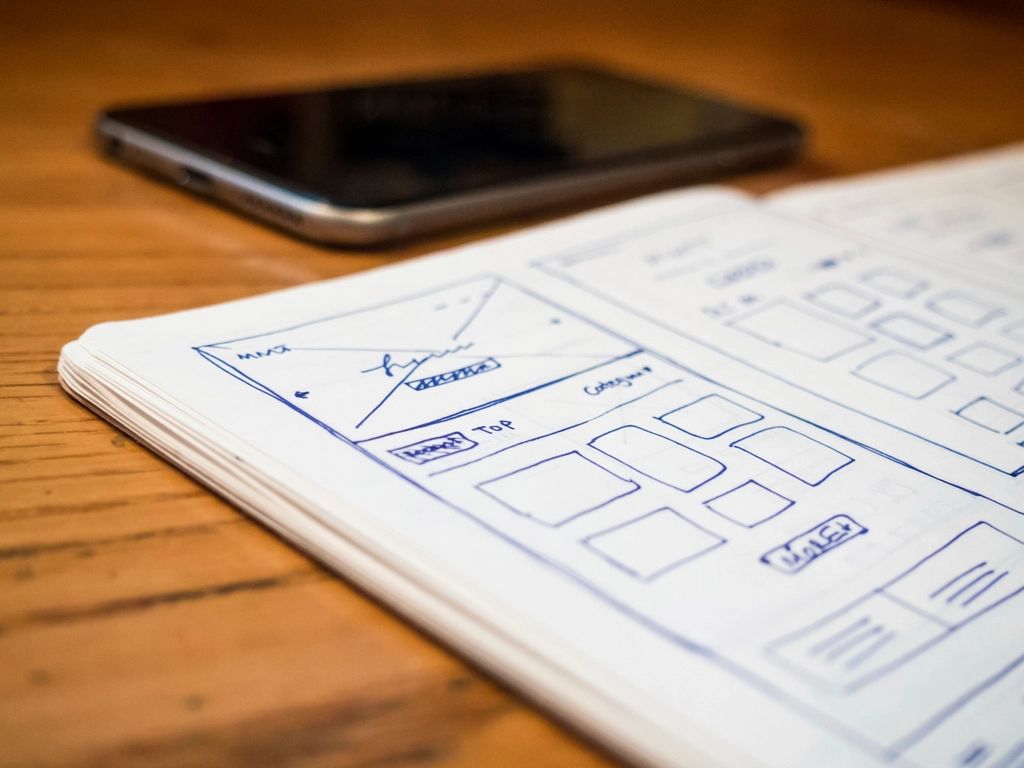
Keep your website animation brief small: one enquiry confirmation treatment, one service-panel transition and, perhaps, one decorative flourish. Reusable rules beat paying for a different entrance on every page.
Simple opacity fades and transform effects, such as small position changes, are sensible starting points. web.dev recommends avoiding properties that trigger layout or paint where possible, but CSS alone guarantees no speed. Check the finished pages on mobile, not just the designer’s laptop.
- Separate the prices: cloudline’s website package prices are Starter £349, Business £495 and Premium £795. These are website prices, not animation quotes; don’t assume bespoke animation is included in any tier.
- Agree the motion scope in your project quote: approval, implementation, third-party booking-system constraints, testing, revisions and licensed assets all affect it. Ad-hoc help starts from £30/hour; that isn’t a fixed animation supplement.
Use Discovery to agree the job each movement does. During Design, approve moving and still treatments alongside wireframes and mock-ups for review, before Development and Launch.
Ask for reusable rules and ownership or licence terms in the handover. Here’s a commissioning brief you can copy:
Help customers recognise a successful enquiry and understand service panels. Use one consistent feedback treatment and one panel transition across the site. Quote one decorative flourish separately. Include equivalent static states, reduced-motion behaviour, keyboard and touch checks, mobile performance checks, review rounds and handover guidance. No looping backgrounds, forced waiting or custom cursor.
Want help keeping it useful and affordable? Book a free website consultation and we’ll talk through what earns its place.
Final thoughts
The best starting point is a small set of effects with clear jobs, not a wish list of everything that can move. Compare each treatment with its static alternative, keep important journeys calm and agree the scope before development. If you would like a website that feels polished without putting on a show, book a free conversation with cloudline design about a restrained motion treatment as part of your website project.
Frequently asked questions
What is website animation?
Website animation is a visual change that unfolds over time, such as a button transition, an opening panel or a moving illustration. For a small business, useful examples often explain what just happened or what changed. A static response can still be the better choice when movement adds little.
Is animation good for a small business website?
It can be, when it makes a task clearer without competing with it. A brief response after adding an item to a basket can be useful; a floating background beside a booking form may be unnecessary. Start with the customer’s task, then compare the moving treatment with a clear static alternative.
Does website animation slow down a website?
It can, but the effect depends on what is animated and how it is built. Simple opacity or transform effects can avoid expensive layout work, while more complex treatments need careful testing. Ask your designer to compare the page on a representative phone, rather than assuming any particular technology guarantees speed.
How much does website animation cost in the UK?
There is no single price for interface polish, an animated illustration and a full 3D experience. At cloudline, website packages cost £349, £495 and £795, while ad-hoc help starts at £30/hour. Those are website and support prices, not animation quotes; agree the effects, alternatives and testing in your project scope.
What is reduced motion website design?
Reduced motion website design keeps information and controls usable while removing unnecessary movement. A service panel might open instantly instead of sliding, and a decorative illustration might remain still. Ask for support for the visitor’s reduced-motion preference, with the same useful content available in both versions.
Does website animation help SEO?
Animation is not a shortcut to better rankings. Google recommends good loading performance, responsiveness and visual stability as part of the overall page experience. Choose motion for its usefulness to customers, then check that the finished page still performs well; a good score alone does not guarantee a top position.